Routine Library
Build once, then start from the routine that fits today.
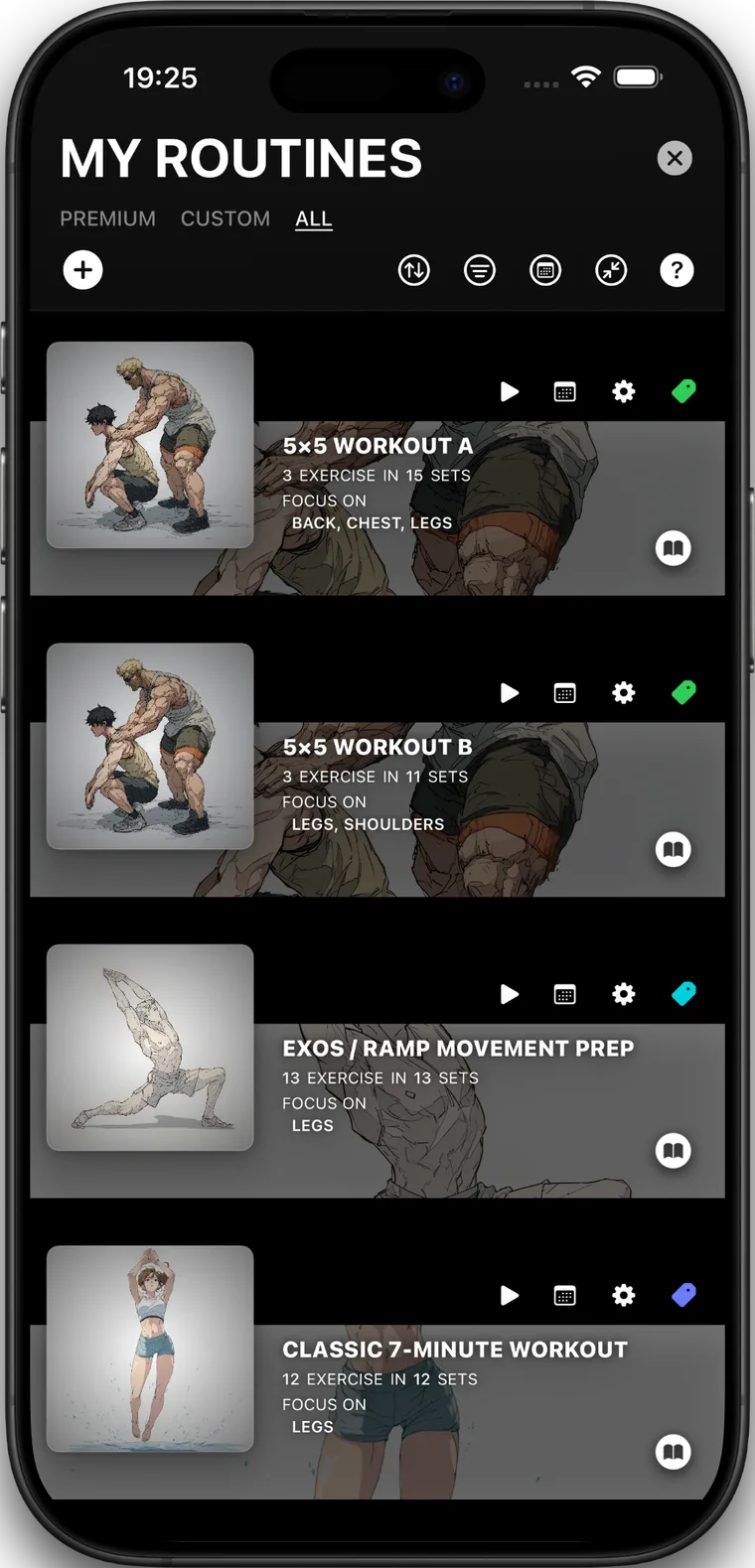
Create custom routines, adjust sets and rest, add notes or exercise images, use guided templates, and keep quick starts available for unplanned sessions.
Workout, music & insights
Keep the workout in one flow.
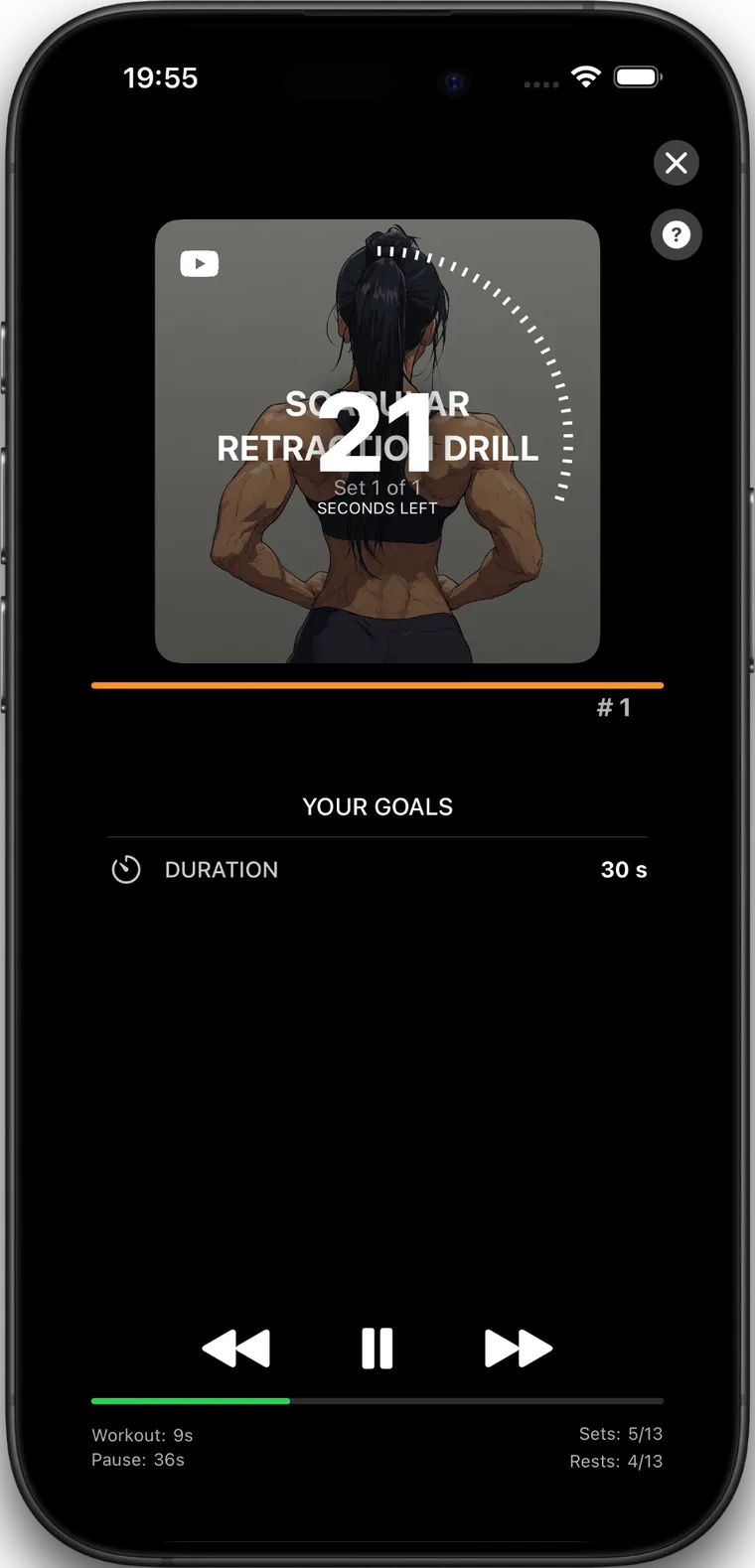
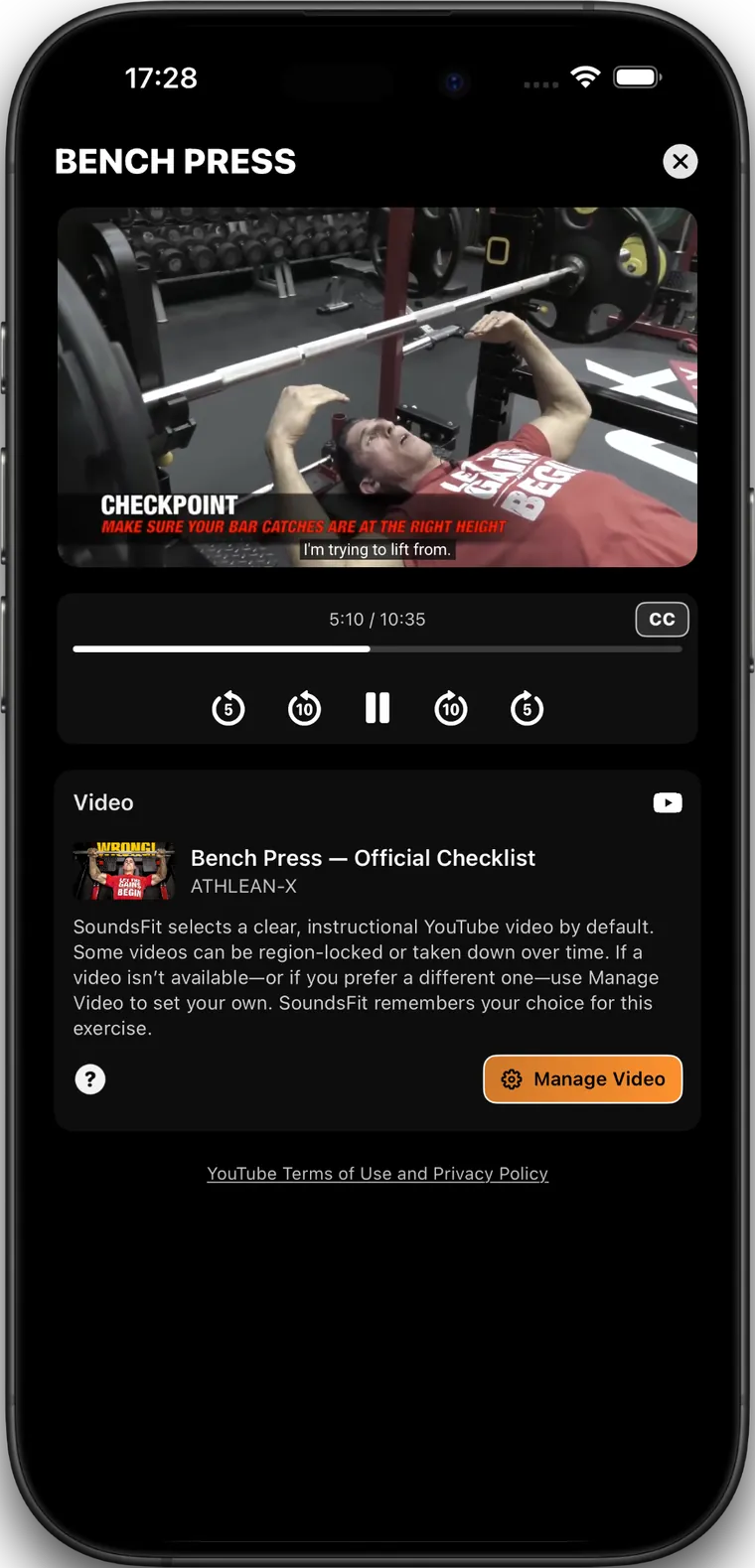
Build a routine, press Play, and move through Set → Rest with timers, music, form help, logging, and results in one place. SoundsFit is made for focused training sessions where the next set, the next track, and the next log entry stay close.
Build Routine library
Train Set → Rest player
Review Logs and insights
Workout flow
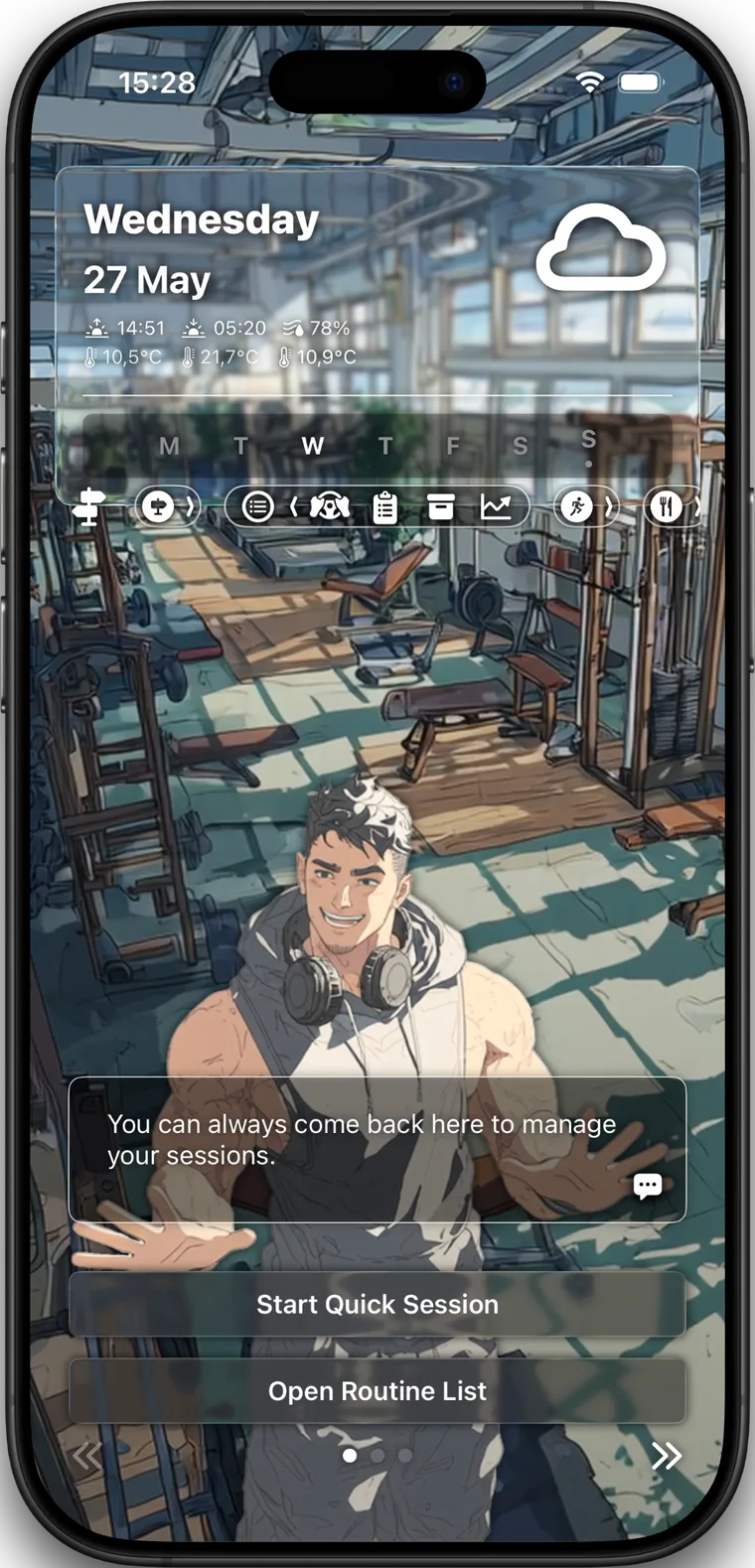
SoundsFit is organized around the path from planning to training to review, so a workout does not have to scatter across separate apps or unfinished notes.
Routine Library
Create custom routines, adjust sets and rest, add notes or exercise images, use guided templates, and keep quick starts available for unplanned sessions.
Routine Player
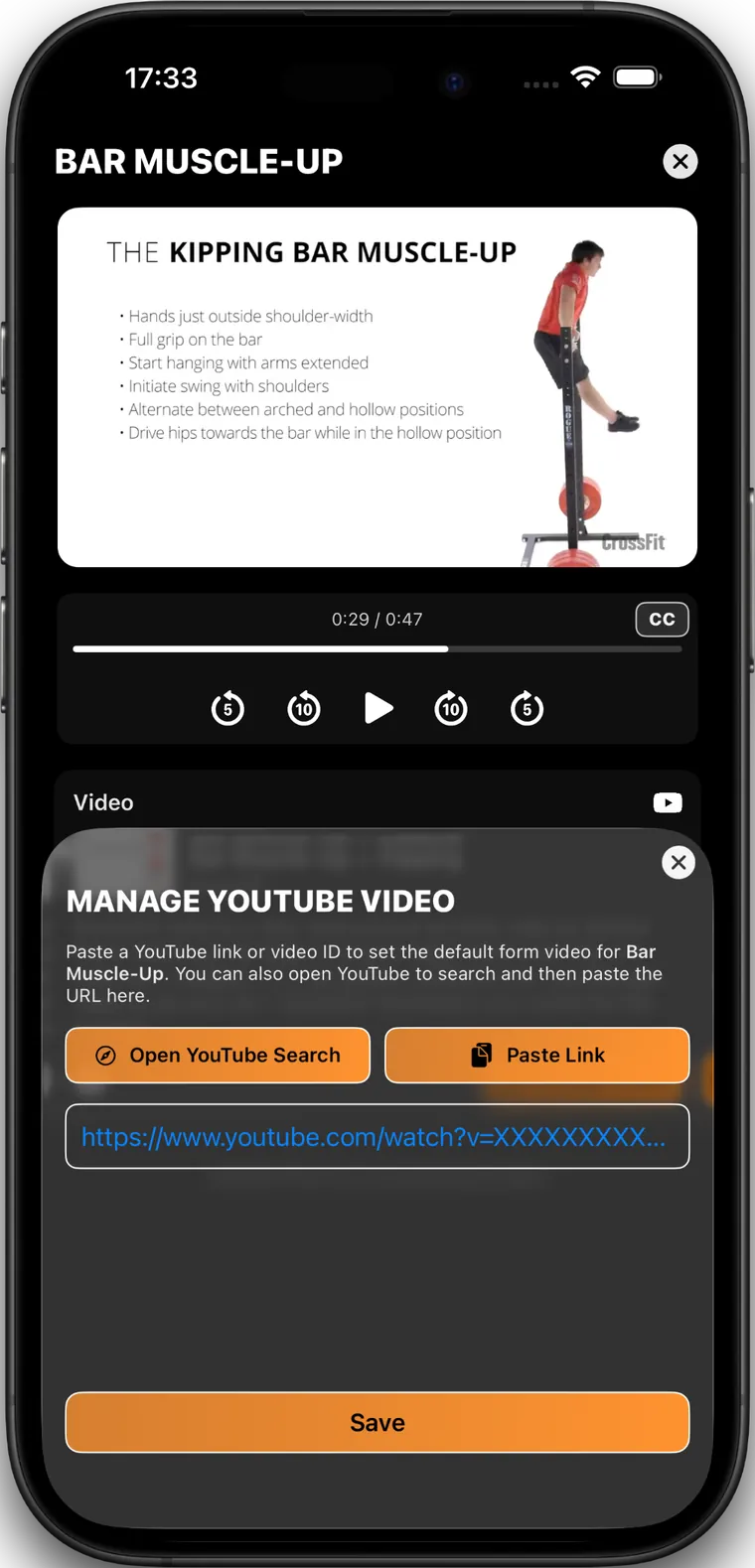
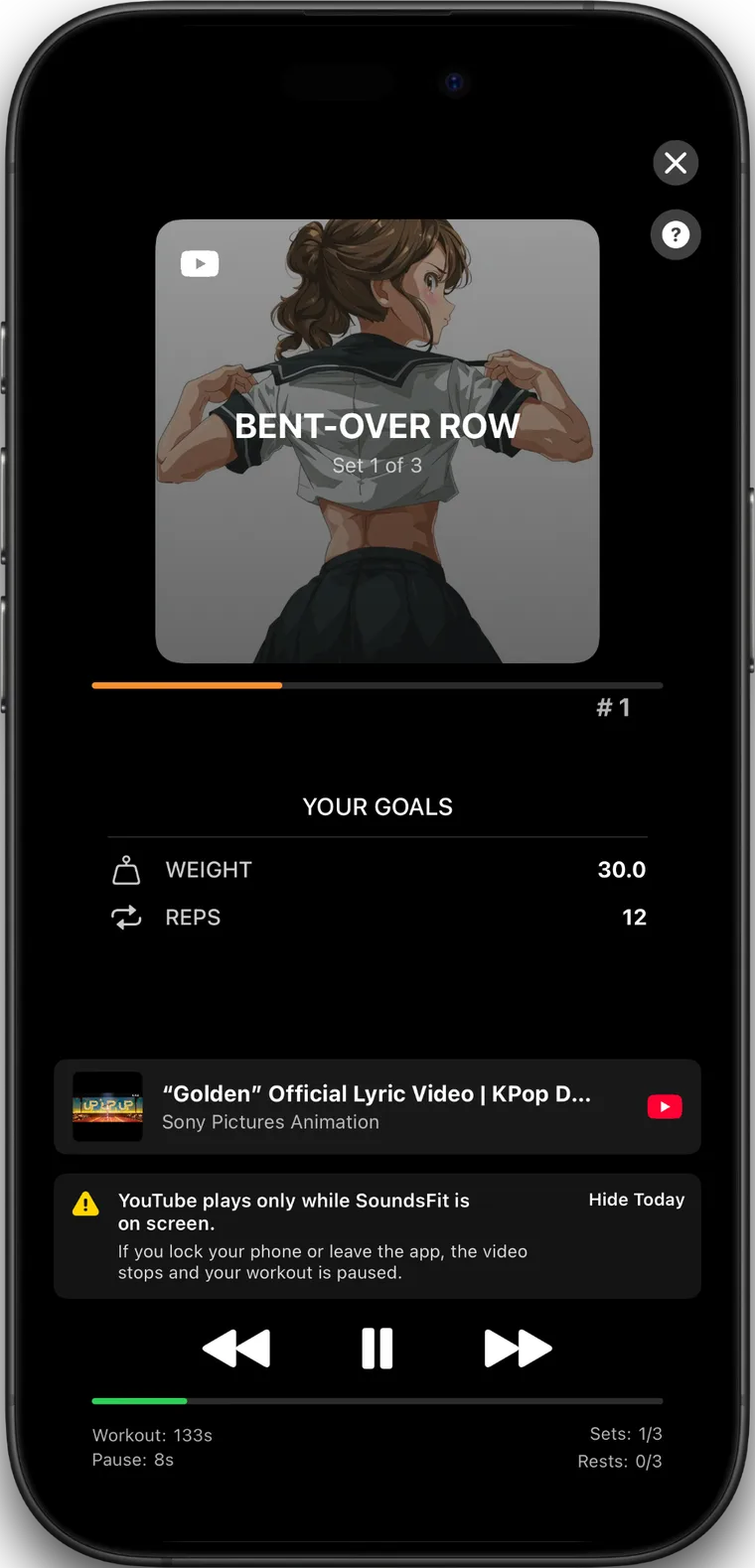
The player keeps timers, goals, progress, skip controls, and music controls in the same workout surface so the next set is always clear.
Results
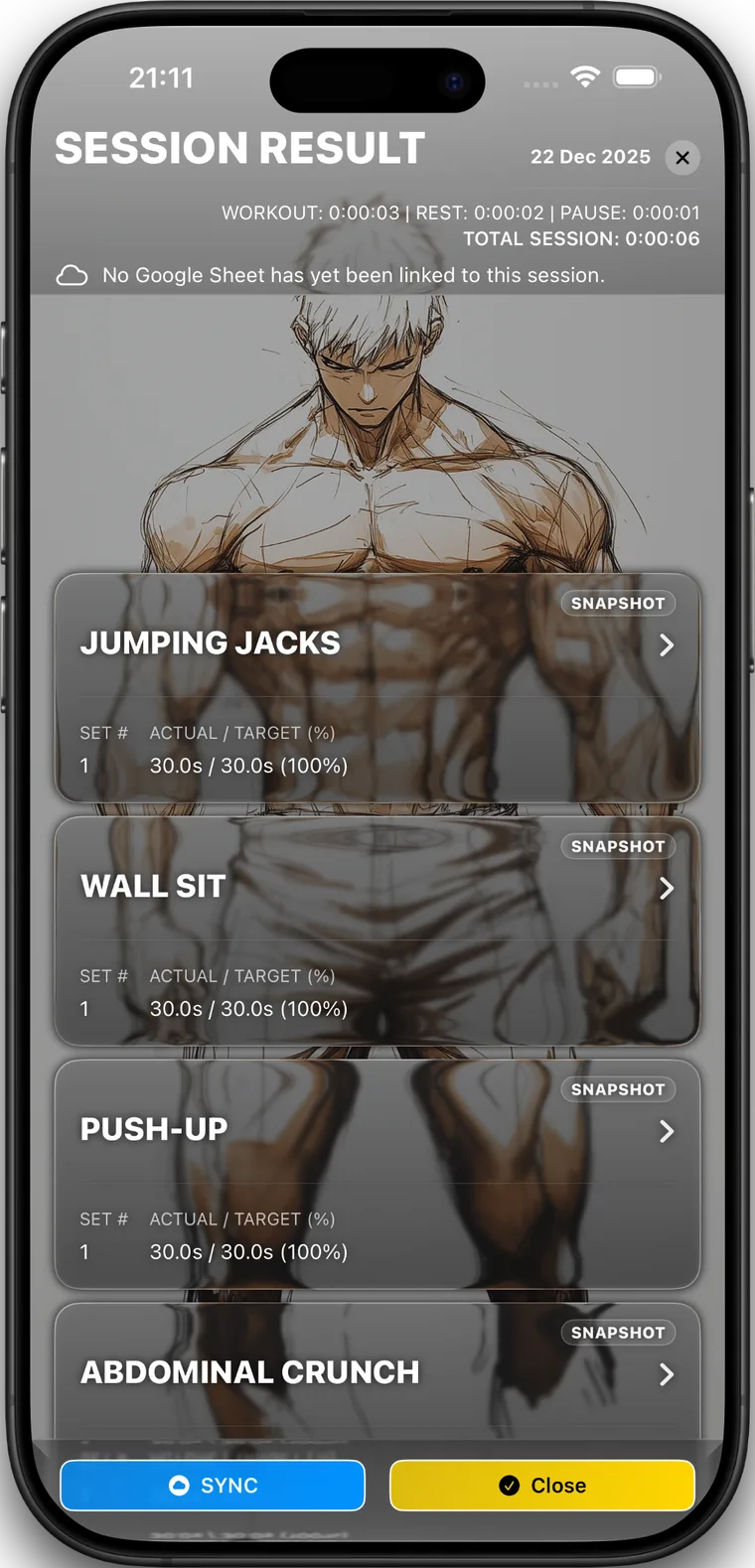
Record weight, reps, duration, assist, rating, and notes, then review targets, actuals, session time, per-exercise cards, and Google Sheets sync status.
Training with music
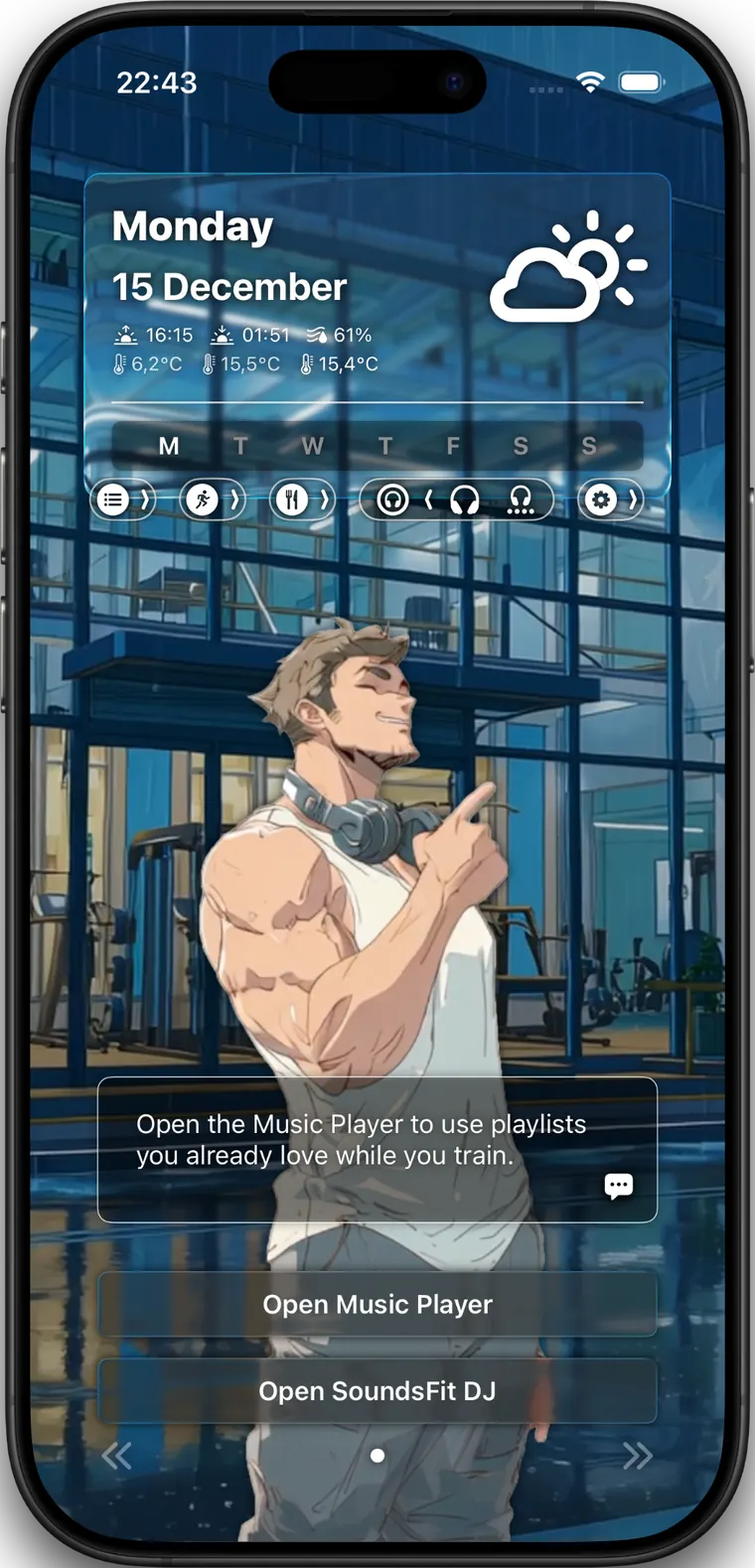
SoundsFit can keep music choices attached to the workout structure: sets, rests, blocks, whole routines, playlists, local audio, and SoundsFit DJ surfaces all stay near the player.
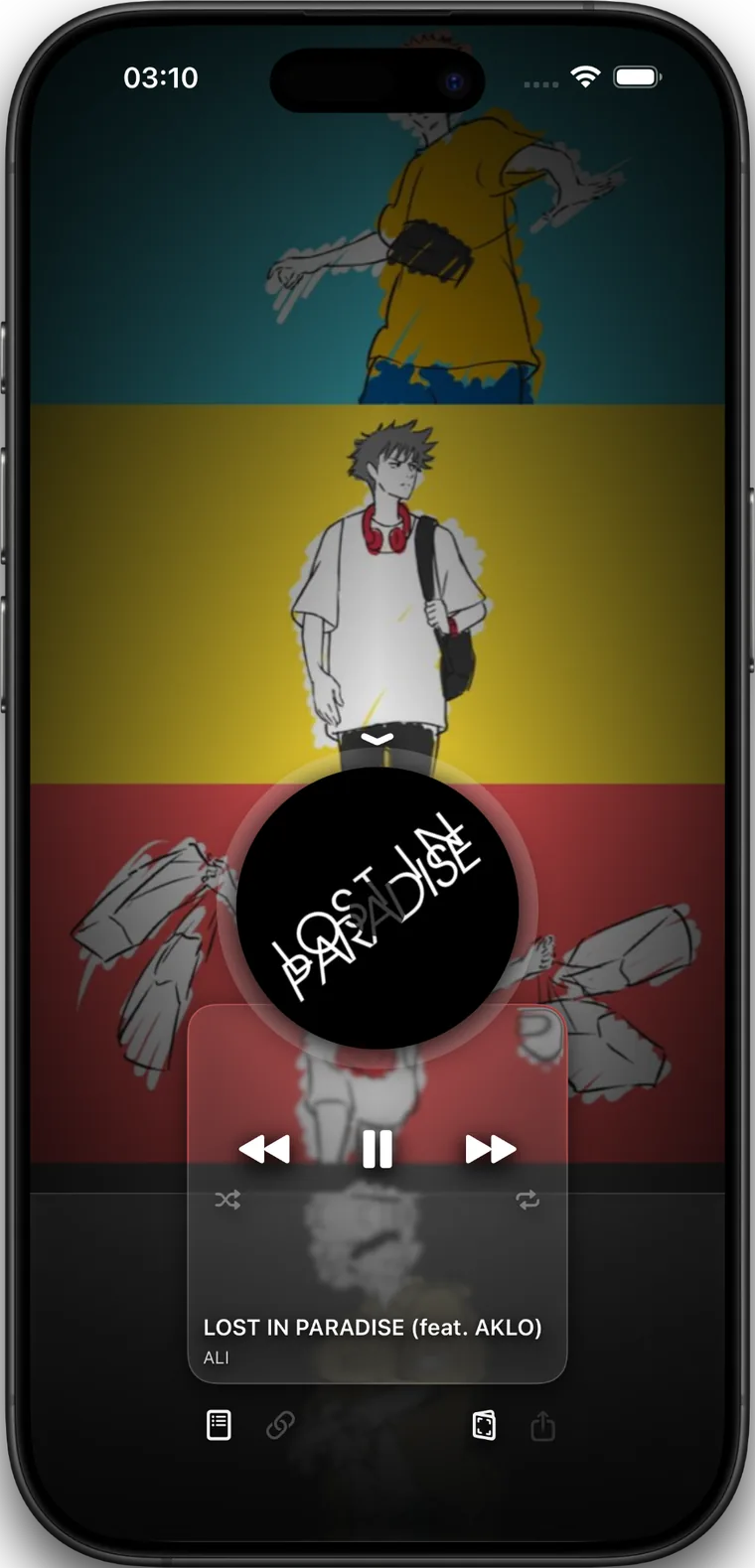
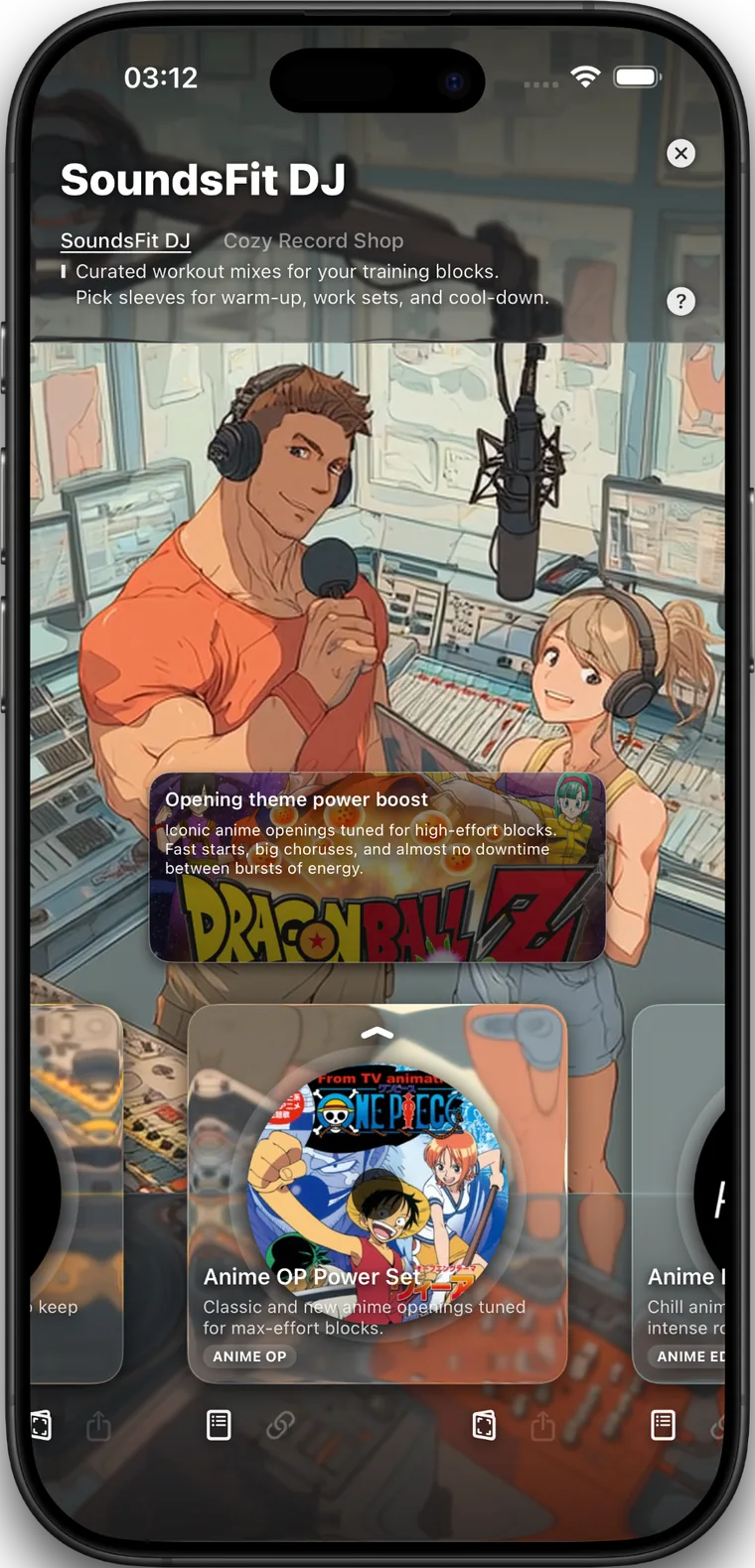
Assign Apple Music, Spotify, YouTube, or local audio files to sets, rests, routine blocks, or whole routines so training and playback stay in the same flow.
Insights
Insights are informational tools for reviewing your own routine, daily habits, and movement context. SoundsFit is not medical advice.
Training + session result
Training Insights and Session Result keep distribution, trends, PRs, and completed workout details close to the routine you just finished.
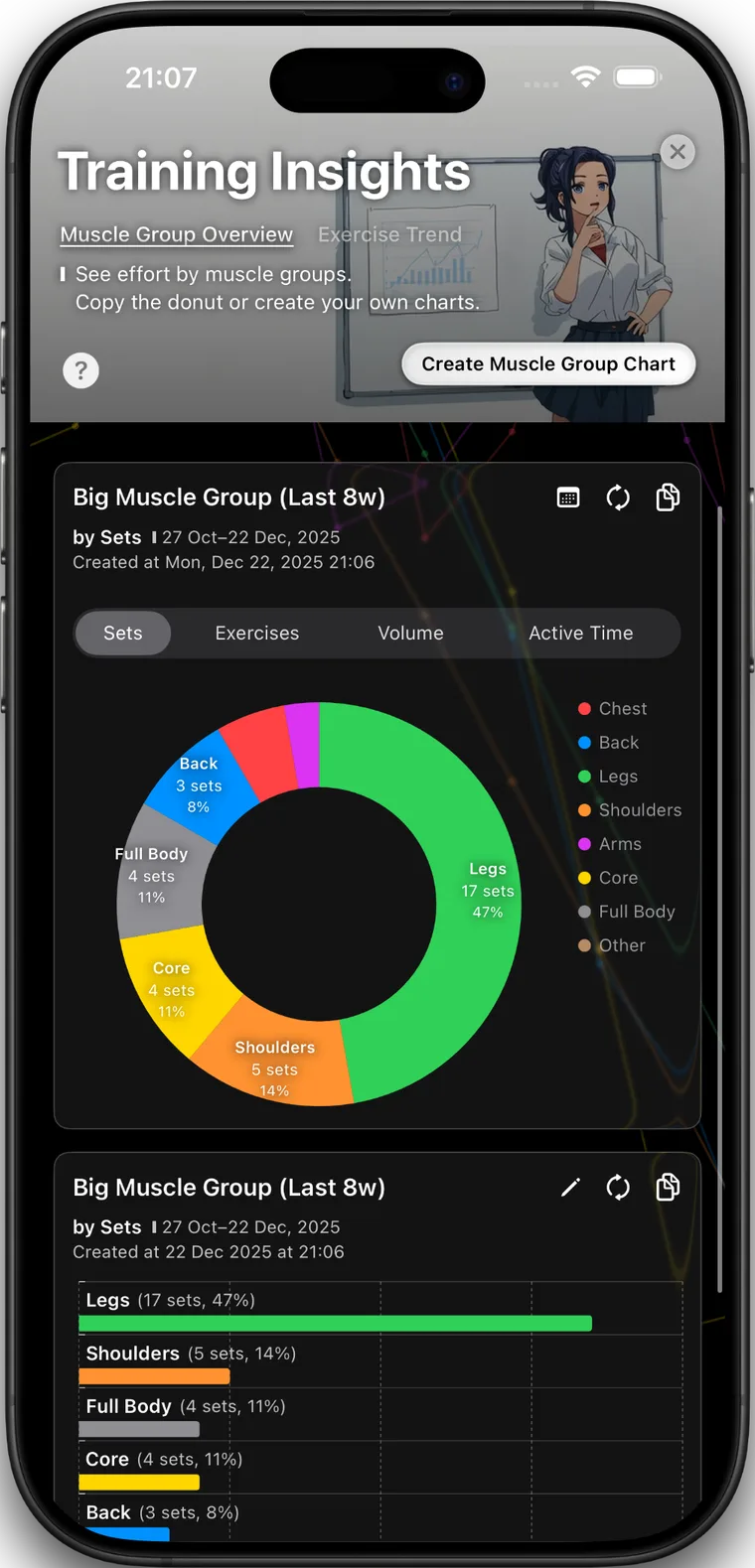
Training Insights
Review muscle group overviews, exercise trends, saved charts, recent PRs, top climbers, and plateau watch signals.
Session Result
Completed sessions keep result cards, targets, actuals, notes, session time, and Google Sheets sync status readable after training.
Nutrition + hydration
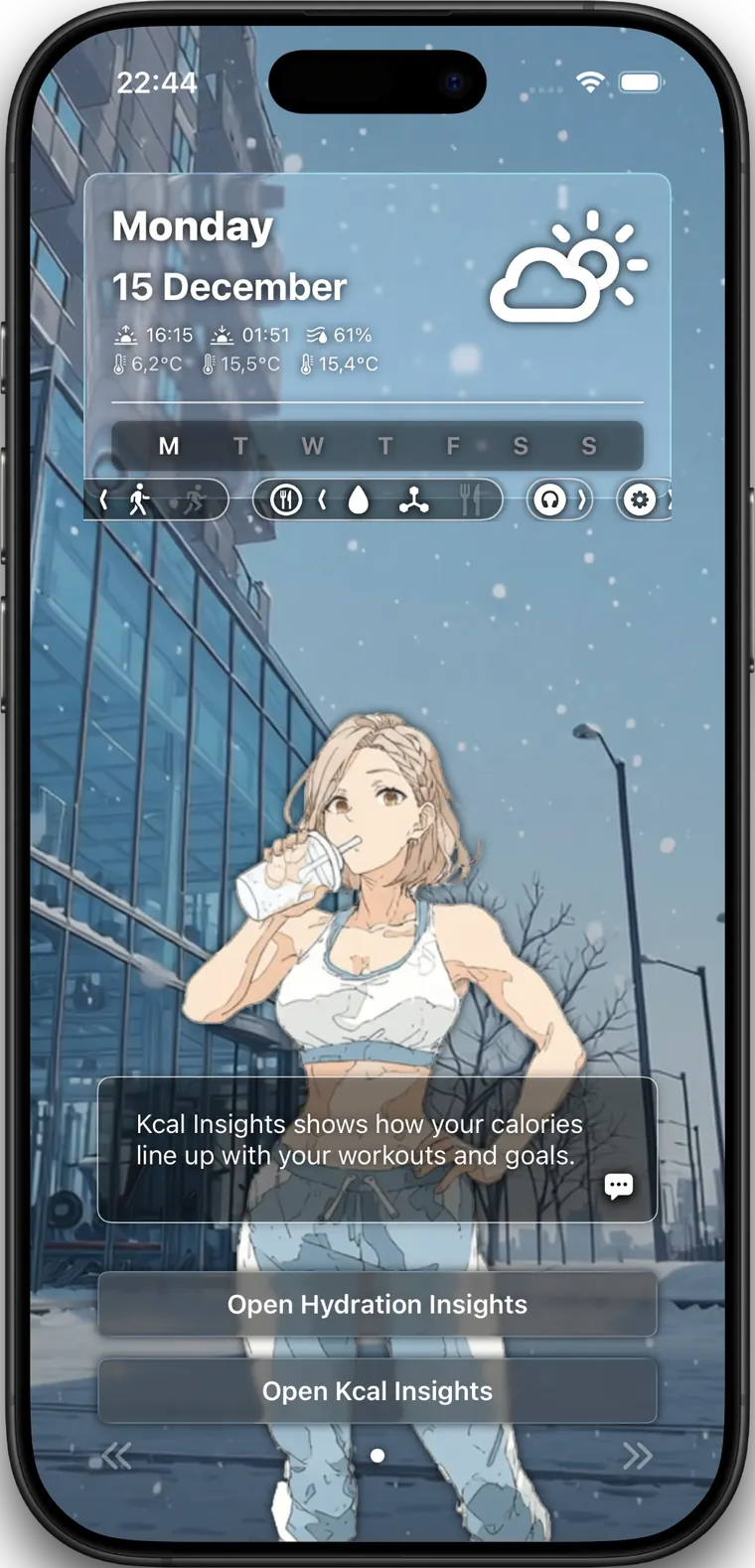
Kcal and Hydration Insights help review food, drink, reminders, goals, and trends near the workout flow. They are informational tools, not medical advice.
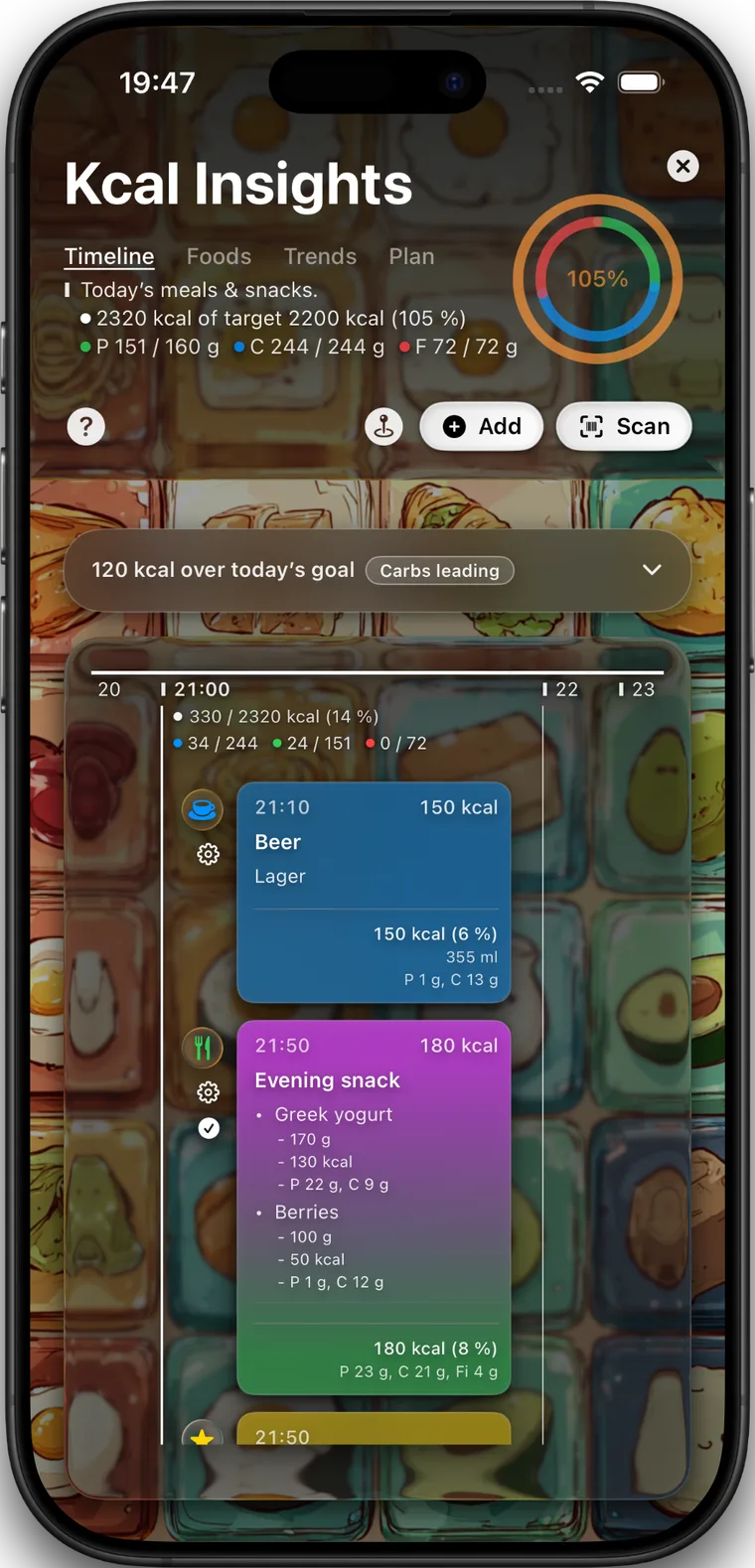
Kcal Insights
Use calorie and macro targets, food and drink logs, barcode scanning, reminders, trend review, and a reusable food library.
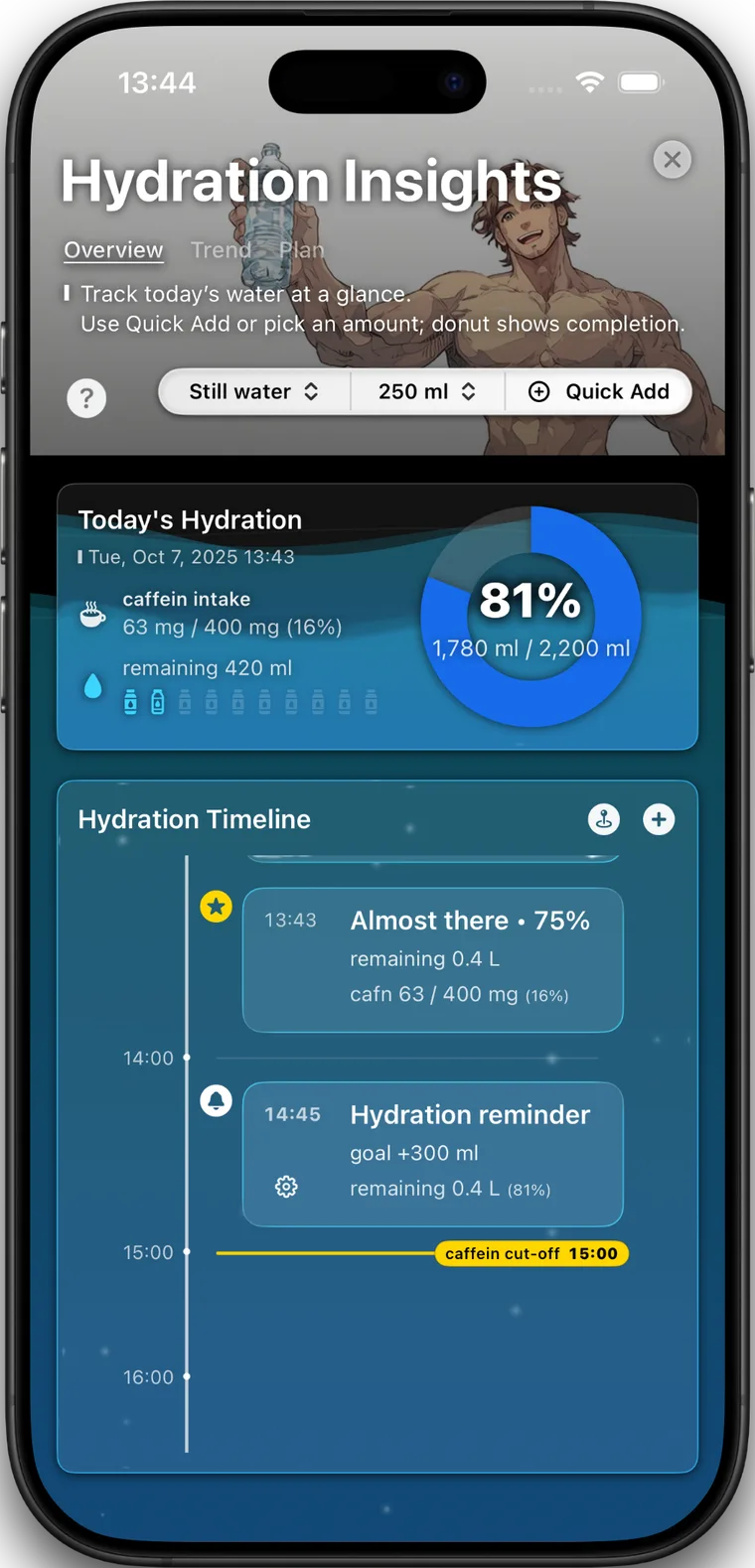
Hydration Insights
Keep the day readable with quick add controls, timeline events, goal progress, caffeine tracking, and trend review.
Movement + streaks
Movement Insights uses Apple Health data when you allow it, while Streaks keeps workout days, step days, planned rest, and rewards visible.
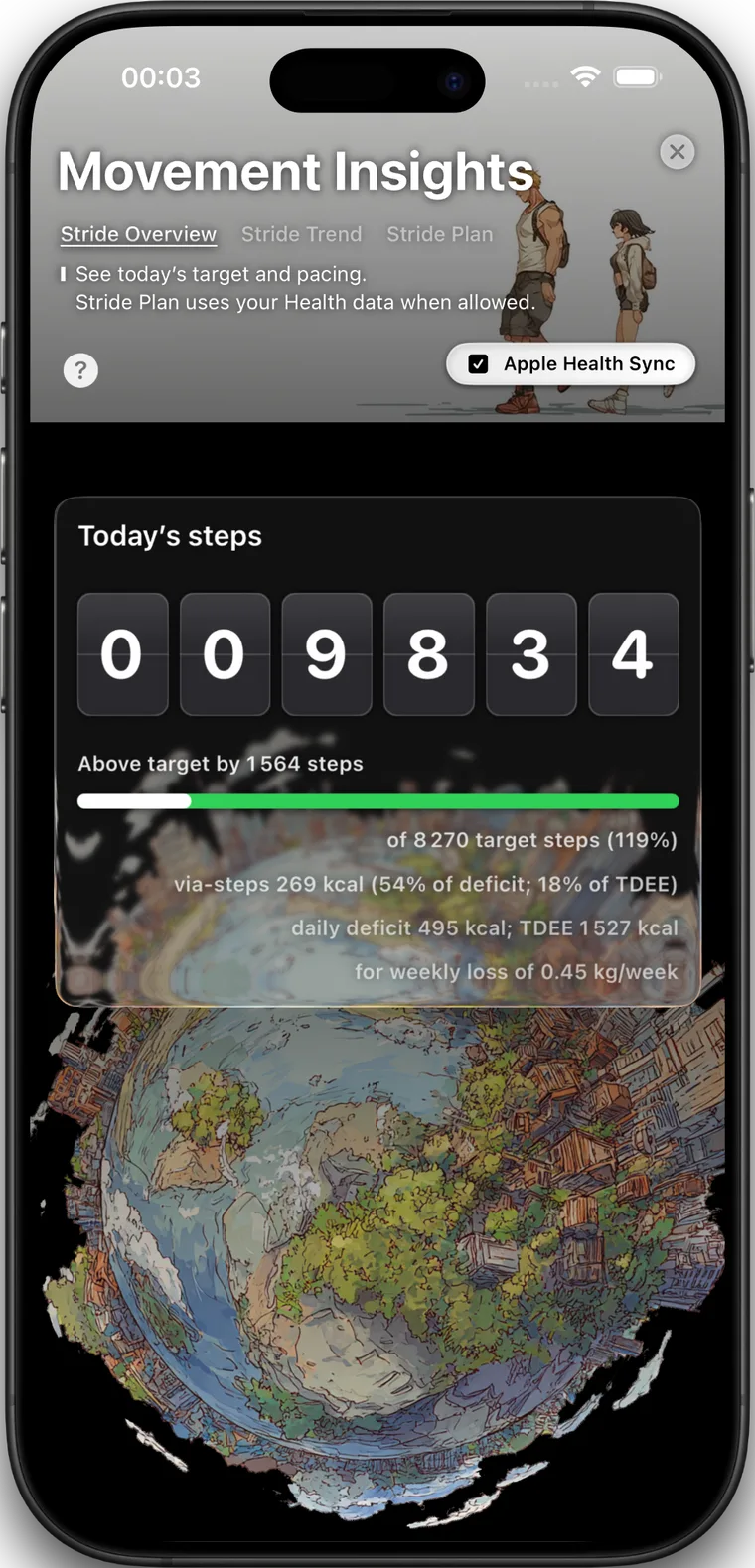
Movement Insights
Movement Insights uses Apple Health data for step goals, stride trends, active energy, pacing checkpoints, and movement planning.
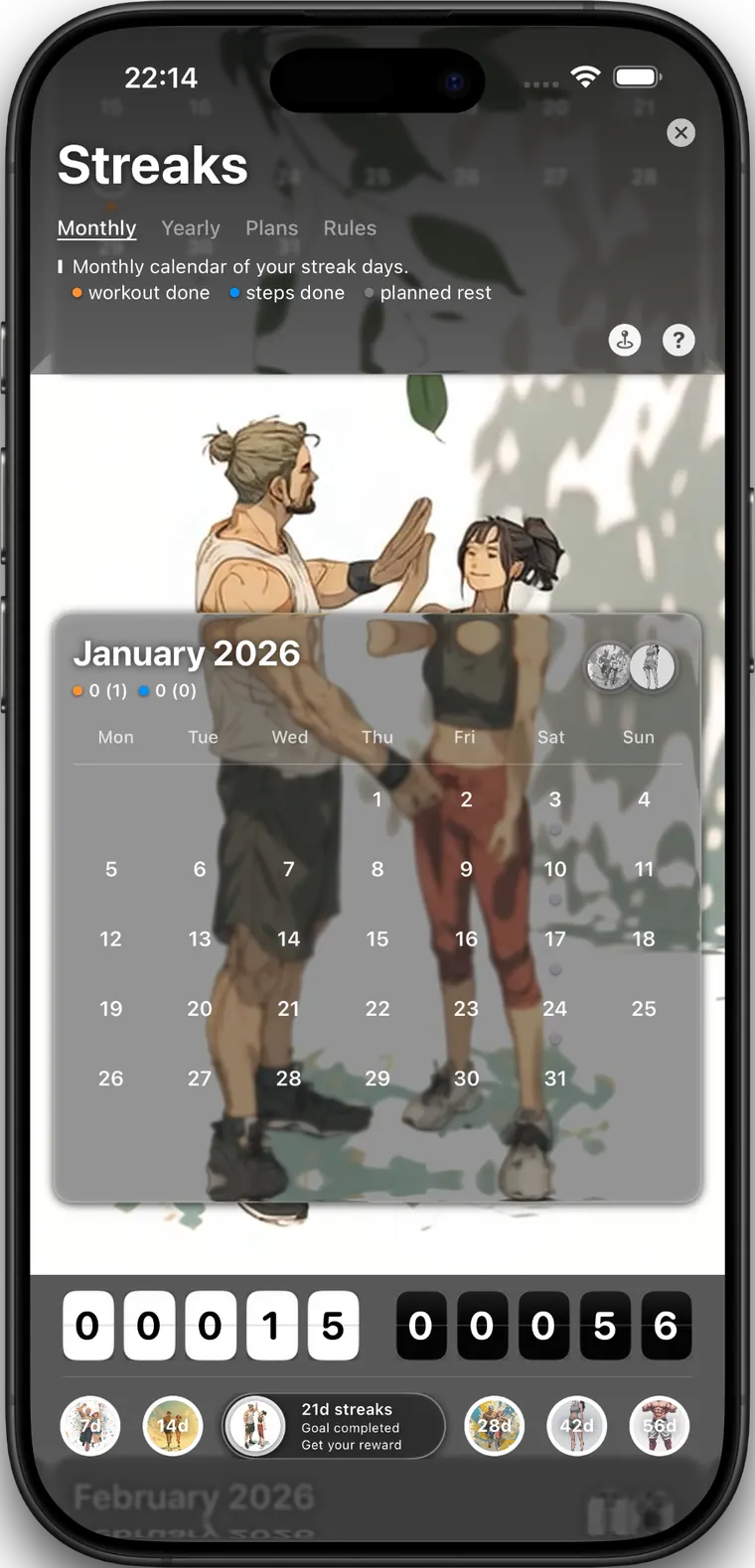
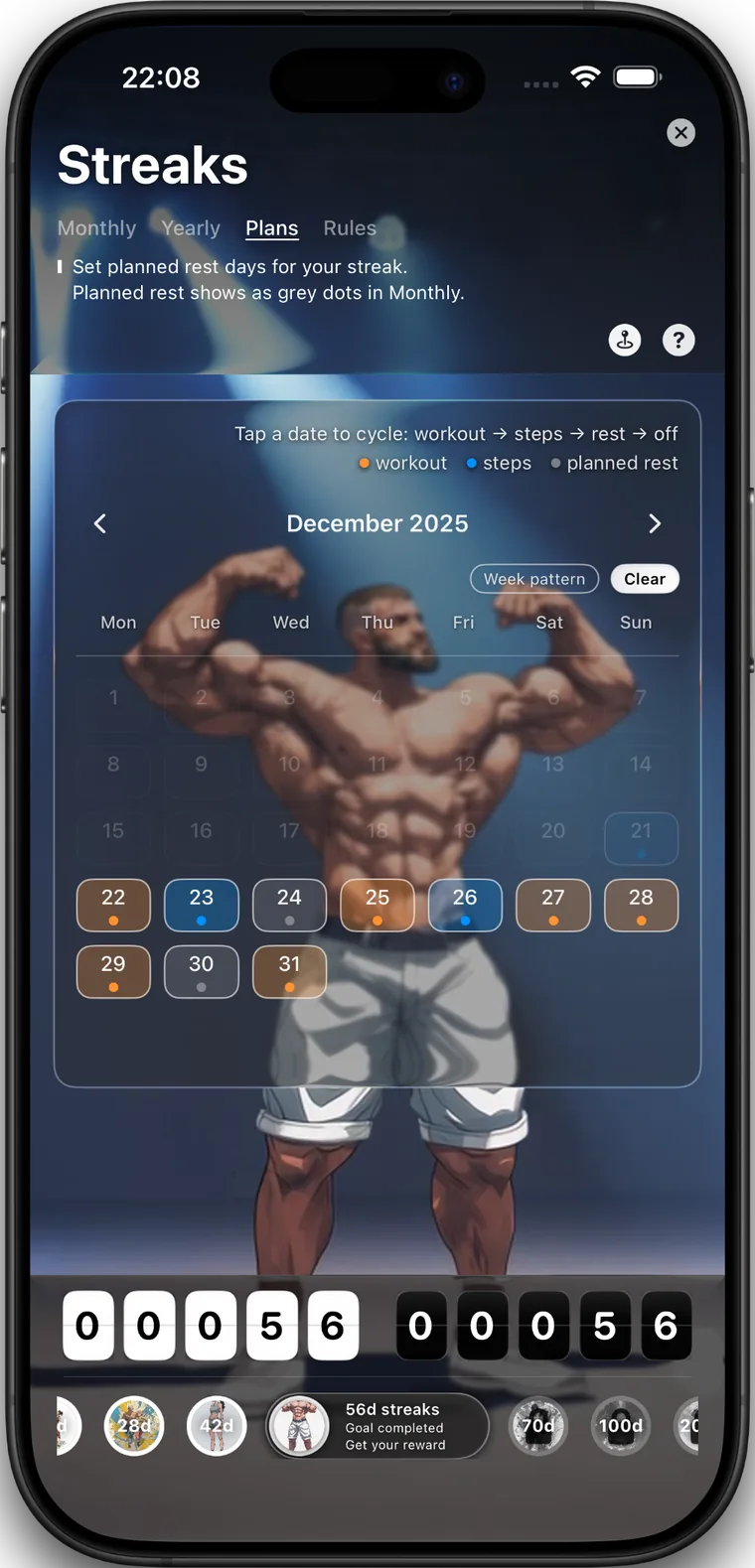
Streaks
Review workout days, step days, planned rest, monthly calendars, reward markers, and streak plans in one consistency view.
Access and integrations
SoundsFit includes the full app feature set in version 1.60, while third-party services and Health data remain controlled by their own requirements, permissions, and account settings.
SoundsFit 1.60 is offered as a single paid app. Features that used to be separated by purchase, upgrade, or subscription are now included.
Previous purchasers and subscribers continue with full access without an additional payment for the included SoundsFit 1.60 feature set.
Apple Health / HealthKit access is optional for some insights and required for Movement Insights. You control Health permissions in iOS.
Google Sheets sync writes finished workout logs to Google Sheets in your own Google Drive when you enable it.